
If you’re planning to join the Amazon Associates (Affiliate) Program, it’s important to understand which platforms are allowed, and how to properly set them up to avoid rejection or future suspension.
Accepted Social Media Platforms
Amazon currently accepts the following social networks for affiliate promotion:
- Facebook: Only public groups and fan pages are accepted. Personal profiles are not allowed.
- X (formerly Twitter)
- YouTube
- TikTok
- Twitch.tv
These platforms must be publicly accessible so Amazon can review your content during the approval process.
Important Rules & Tips for Approval
1. Submit Full and Accurate URLs
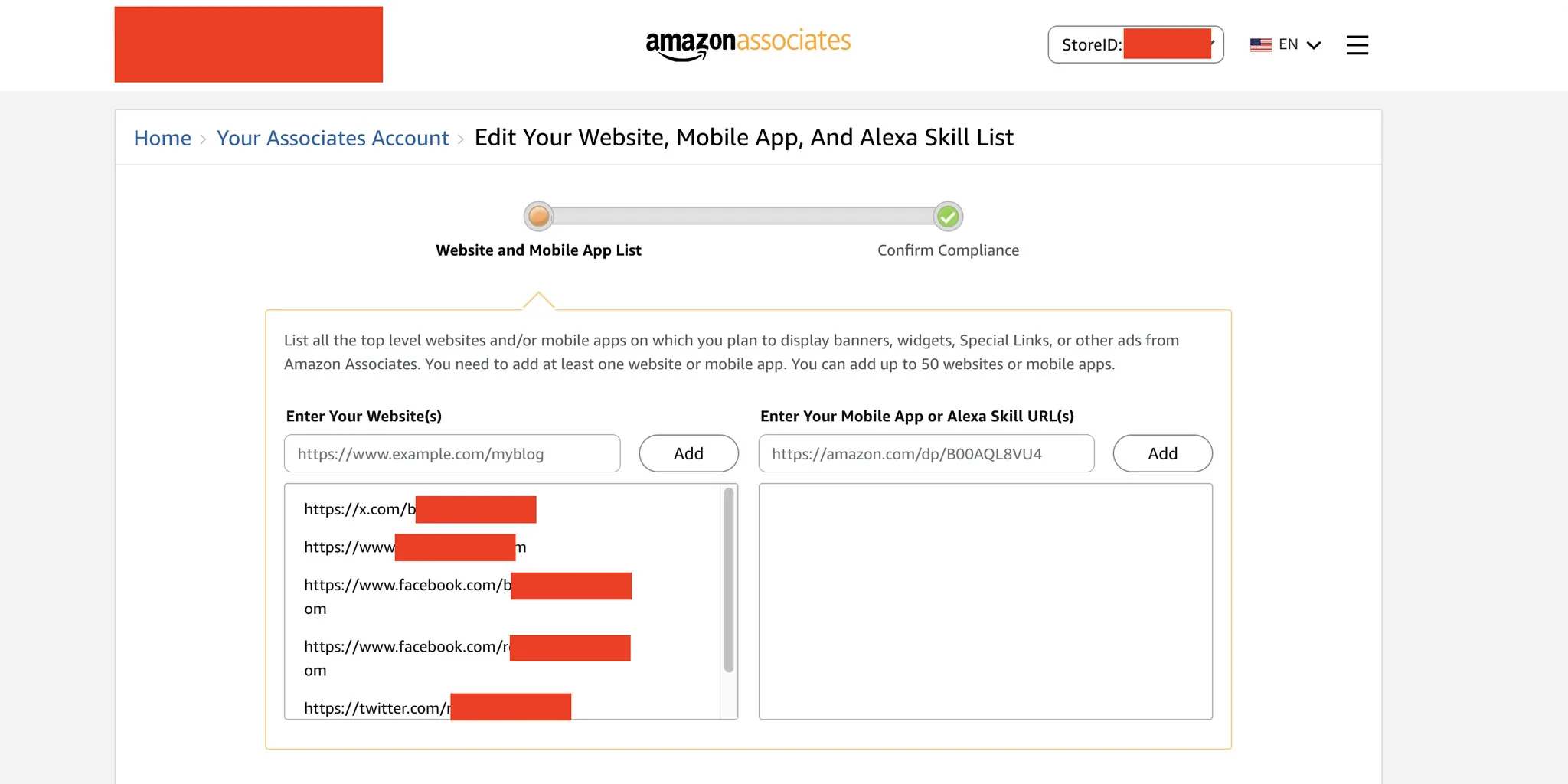
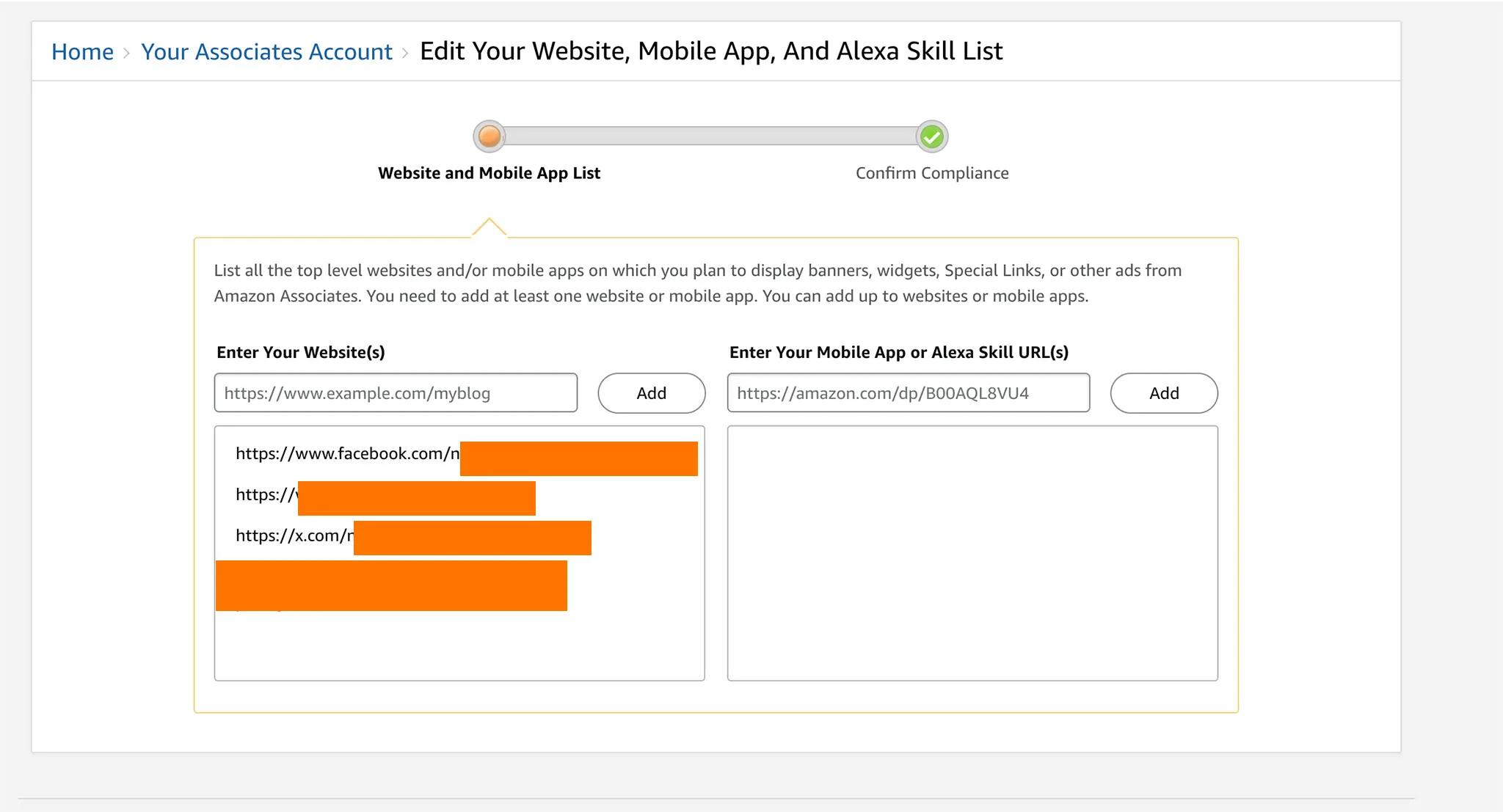
When applying, you must enter the complete URL to your social media page.
✅ Correct: https://www.facebook.com/YourPageName
❌ Incorrect: facebook.com or just instagram.com
2. Personal Facebook Profiles Are Not Accepted
Amazon does not allow affiliate activity on personal profiles. You must use a public page or group only.
3. Your Social Account Must Be Public
Make sure your content is viewable to anyone, without needing to log in. Private accounts will be rejected.
4. Add a Proper Affiliate Disclaimer in Your Bio
You must clearly state your affiliate relationship with Amazon in your bio or where links are posted. For example:
As an Amazon Associate, I earn from qualifying purchases.
Failure to add this may result in your account being closed.
5. Add Your Website (If Applicable)
Even if you’re applying with a social account, it’s a good idea to add your blog or website (if you have one) to strengthen your application and build trust.
6. Keep Your Page Active & Niche-Focused
Amazon looks for active content that fits a clear niche. Empty, generic, or inactive pages are often rejected.
Related Post:
👉 Common Reasons Why Your Amazon Associates Account Has Been Closed Make sure you’re not making these common mistakes that could get your account shut down, sometimes without warning.
Final Tip: Don’t rush the application. Make sure everything is set up correctly. A small mistake could get your account rejected, or worse, shut down later.
Source: https://affiliate-program.amazon.com/help/node/topic/G8TW5AE9XL2VX9VM
About the Author
Further Reading

Shopify Says AI Search Is Adding Sales, Not Replacing Google
Shopify’s second quarter results, reported on August 5, gave the clearest picture yet of how AI assistants are…

AI Overviews Are Eating Search Clicks: What It Means for Affiliate Publishers
Google’s AI Overviews have moved from an experiment to a default part of the results page, and the…

EU Fines Google €890 Million Under the Digital Markets Act
The European Commission has fined Google €890 million (about $1 billion) for breaching the Digital Markets Act (DMA),…
Google v. SerpApi: The Scraping Lawsuit Testing Access to Public Data
This is a developing story. We will update this article as the case moves forward. A closely watched…

How to Choose an Affiliate Network: A Practical Guide for Publishers and Creators
Affiliate marketing rewards you for sending customers to a merchant, but the network you build on shapes almost…
Common Reasons Why Your Amazon Associates Account Has Been Closed
A practical guide to the most common reasons Amazon Associates accounts get closed, the warning and termination emails…
Comments
Be the first to comment. Share your thoughts on this guide to help other readers.